
The whiteboard you host yourself
strewboard is an open-source, real-time board for sticky notes, diagrams and meetings. Every move you make on it is also a tool an AI agent in your browser can call.
Get it on GitHubWebMCP calls
-
create_item({ type: "sticky", x: 53, y: 47 })
The same tools are registered on this page. An agent with WebMCP can move these notes too.
A wall only works for the room
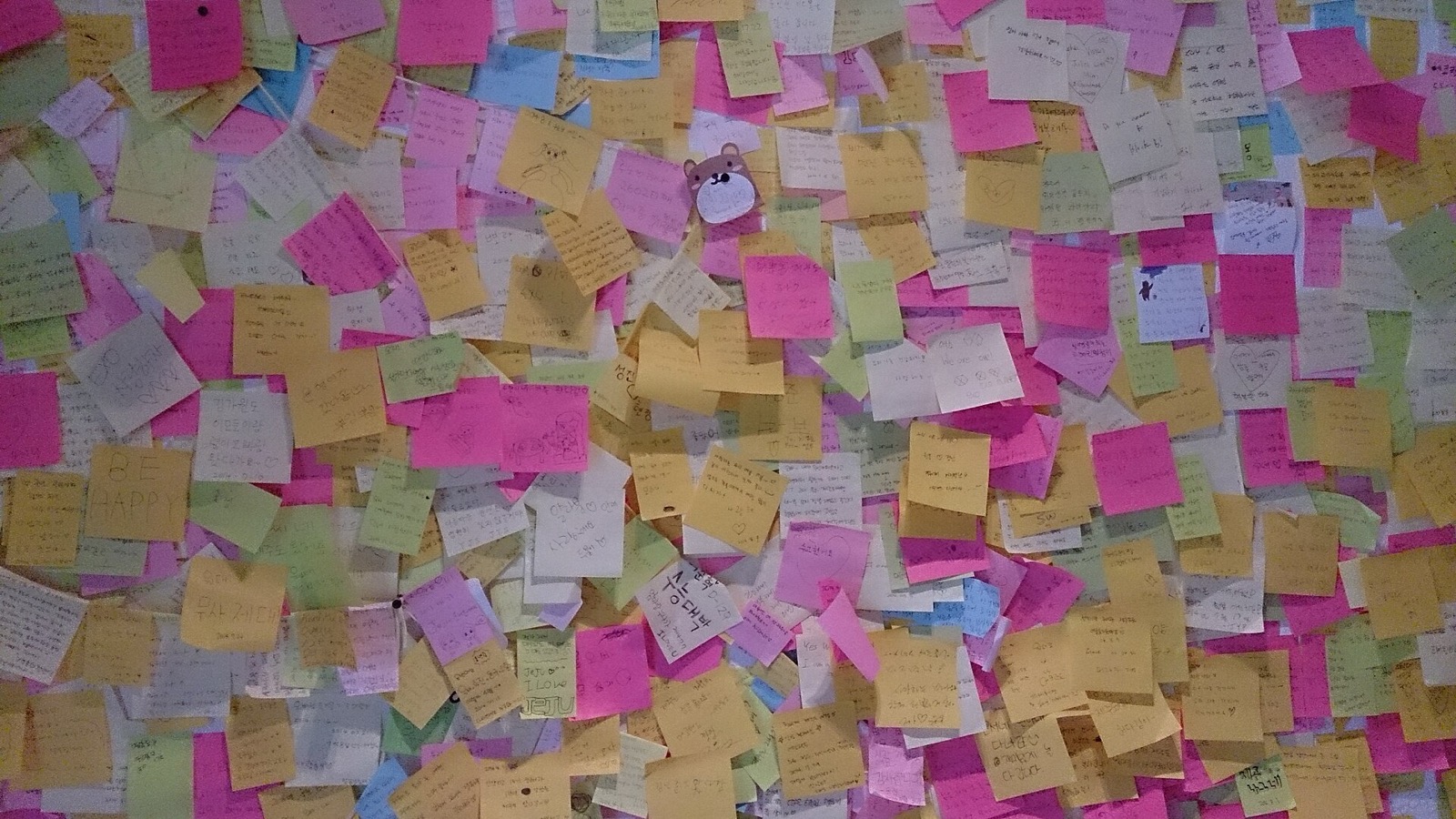
Paper notes are quick, and they stay where they were stuck. strewboard keeps that looseness: notes land where you drop them, at an angle if you like. The difference is that the wall is on every screen at once, with everyone's cursor on it.
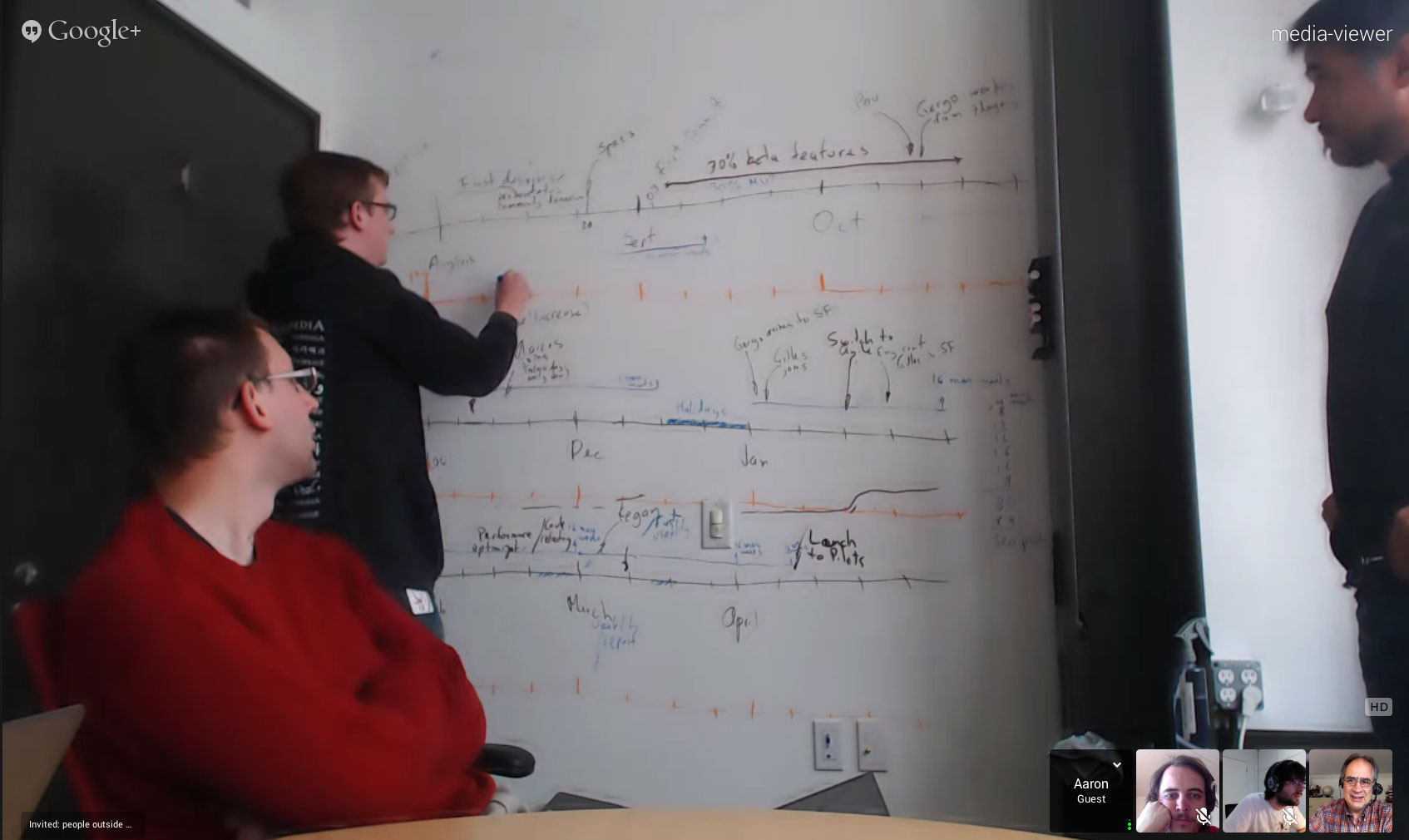
Remote colleagues see the wall through a webcam. On strewboard they hold a pen.
The timer is shared
Start it and it counts down on every screen on the board. The presence server keeps it, so a reload doesn't reset it. Dot votes, raised hands and follow-me work the same way.
Every button is a tool
strewboard has 77 commands. Each is a control for you and a WebMCP tool for an agent in the same tab, built from one registry, so the two can never drift apart.
-
Add a sticky note
S
Drops a note where you click; an agent calls
create_itemwith a position and text. -
Connect two items
C
An arrow that keeps both ends attached when either item moves:
create_connector. -
Frame a group
F
A titled area that carries everything inside it when you move
it:
frame_items. -
Find on the board
⌘F
Searches every note, shape and frame title, and replaces text
in one undoable step:
find_items,replace_text. -
Start a dot vote
Each person gets a set number of votes to spend on notes, and
the result is counted for everyone:
start_vote. -
Import a Mermaid diagram
Paste a flowchart written in Mermaid and get real shapes and
arrows you can edit:
import_mermaid. -
Save a version
A named snapshot of the whole board you can go back to later:
save_version. -
Undo
⌘Z
Takes back your last change, never someone else's:
undo.
Not in this list. The other commands are in the repository.
First, everyone is in sync
Every change is written to Postgres and streamed to each open tab within a moment.
Synced
set_item_textsentmove_itemssent
Five containers, one compose file

Services
| Edge | caddy | TLS, HTTP/3, headers |
|---|---|---|
| Data | postgres 18.6 | every board, every item |
| Sync | electric 1.8.1 | streams rows to each tab |
| App | app | writes, sign-in, sharing |
| Live | presence | cursors, timer, votes |
| Jobs | migrate, backup | schema, nightly dump |
You need a server with Docker, a domain and an SMTP account for sign-in emails. Guests join through a share link without an account.
Questions
-
Nothing. All of it is MIT-licensed, with no paid tier and no limit on boards or people. You pay for your own server.
-
In a browser with WebMCP, the open board offers its commands as tools. An assistant can read the notes, sort them into frames or draw a diagram, and you watch it happen and undo it.
-
No. A share link lets anyone view or edit as a guest. Members sign in with a link sent by email, and a guest who signs up keeps their boards.
-
They wait in the tab and are sent when the connection returns. Each carries a key, so a write that is retried is still applied only once.
-
Yes. Export a board as PNG, SVG or a JSON file another strewboard can import, and flowcharts as Mermaid. The database is yours, with daily dumps.
-
Not yet. strewboard runs in any current browser, on a laptop, a tablet or a phone.